Bark detection sensitivity settings
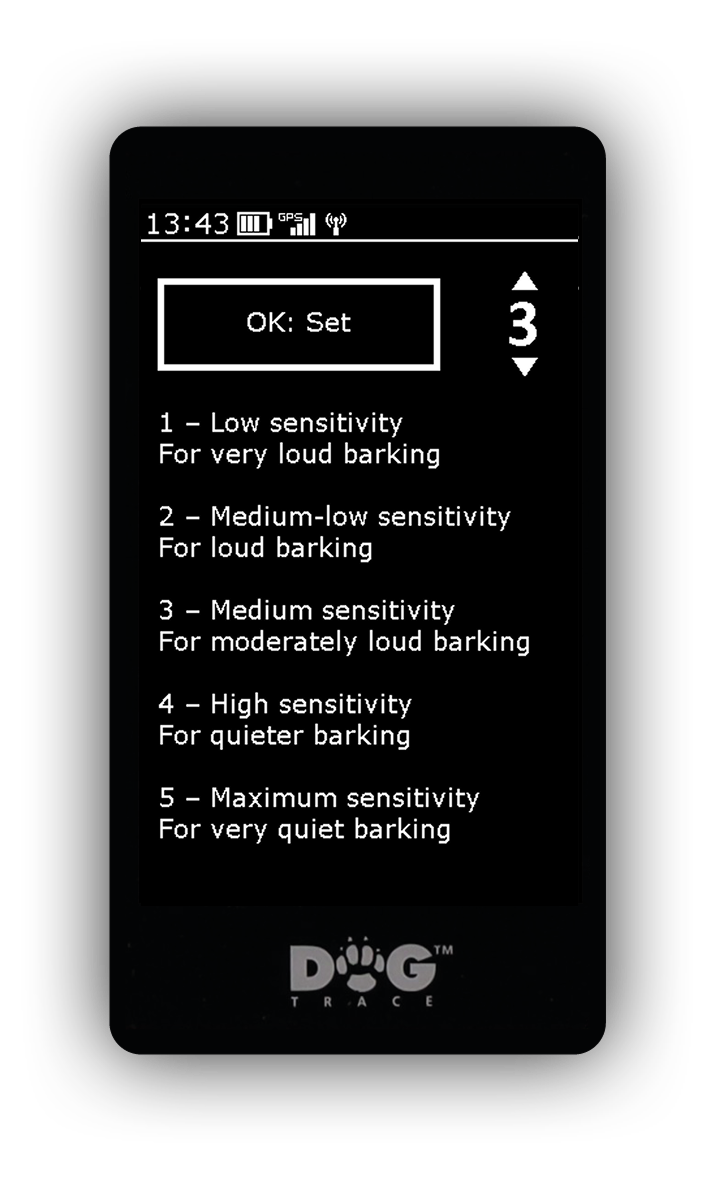
The dog's barking is captured by the microphone in the collar and automatically evaluated according to the characteristics of the recorded sound.
The sensitivity setting determines how distinct a sound must be for the collar to evaluate it as a bark. On the X40 handheld device: Menu → Device list → Select the desired collar → Bark detection settings.
-
Lower sensitivity – the bark must be louder and more distinct. This reduces false detection caused by ambient noise. On the X40 handheld device: Menu → Device list → Select the desired collar → Bark detection settings.
-
Higher sensitivity – detects quieter barking, but may increase false detections, for example when branches strike the collar while the dog moves through dense vegetation.
For normal use, we recommend medium sensitivity, followed by adjustment to suit the dog and environment.